
Make Your Restaurant Menu Remember Your Guests with Authentication
Guests forget the wine they loved. We gave our digital menu user accounts so they don't have to remember. No auth provider signup, no keys, no passwords. Here's the build, from sign-in to a saved order history.
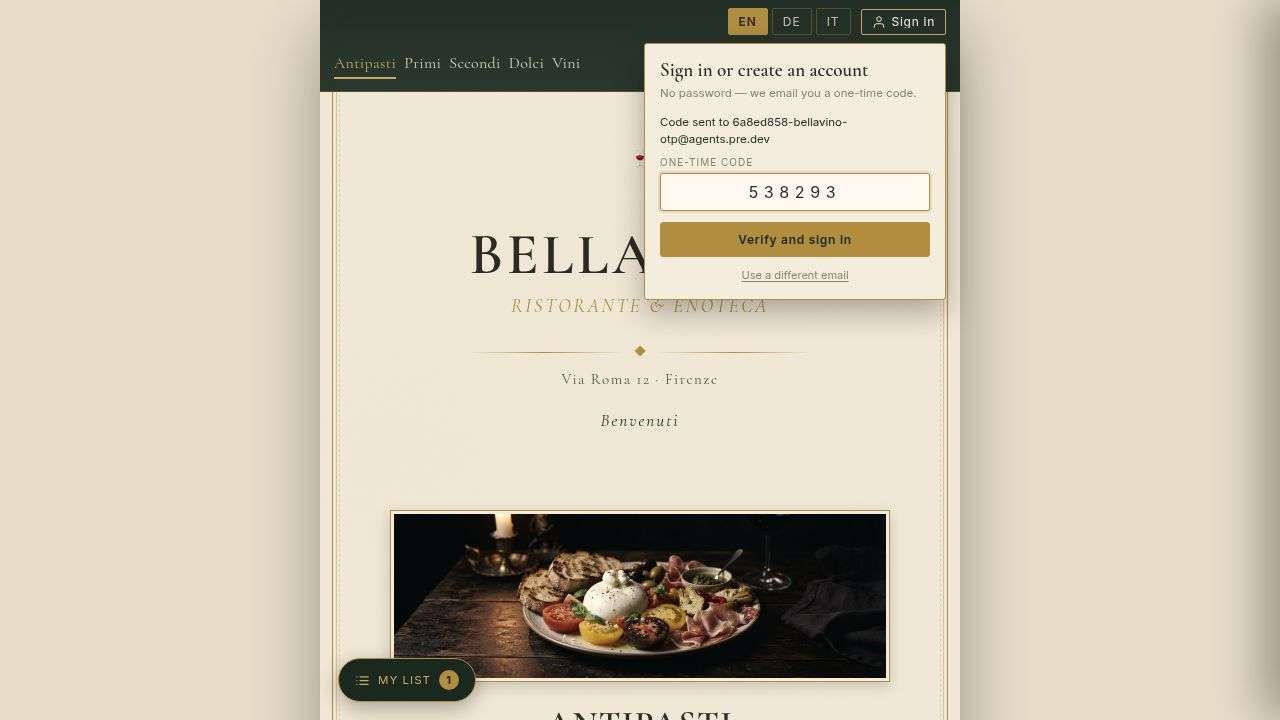
Two posts ago we built a digital restaurant menu from a single plain-English prompt. Restaurants offer it to guests through a QR code on the table, and it's built for the phone in their hand. Managing it doesn't need a CMS either. Adding a dish or changing a price is a chat prompt and a click on publish. Anyone on staff can do it, and nobody has to call a developer.
Last week we put AI inside it. Every predev project comes with its own key to predev's unified AI Gateway, which gives access to over 400 models for text, code, image, video and audio, with nothing to sign up for. We used it to build an AI sommelier. Guests add the dishes they want to an order list, and the sommelier recommends wines against the whole table, with real reasoning for why each bottle works. The list turned out to be useful on its own, too. Guests read their order straight off it when the waiter comes over, so nothing gets forgotten.
Today we're adding the pre.dev native authentication capabilities.
The wine you can't remember
Has this ever happened to you? You're back at a restaurant you loved, and someone at the table asks, "What was that great red we had last time?" Nobody remembers. The dinner was good and the wine was better, but three months later all that's left is "something Tuscan, I think." You end up ordering something else. It's fine, but it's not the same.
Everyone forgets the wines they had at a restaurant. So we're giving the menu a memory. It keeps track of what each guest ordered, visit by visit, and when they come back the answer is right there: the Brunello di Montalcino, with the Bistecca alla fiorentina.
The build has four parts:
- User accounts, with a sign-in button in the header
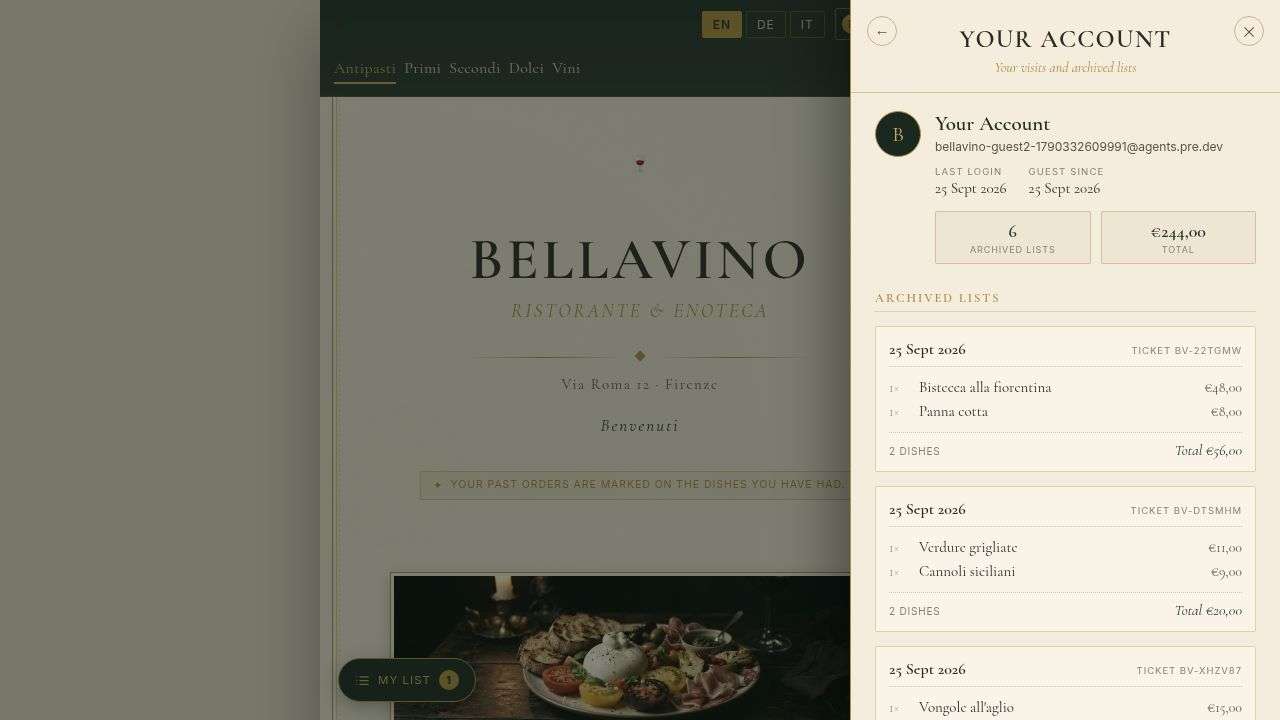
- A profile page that lists past orders
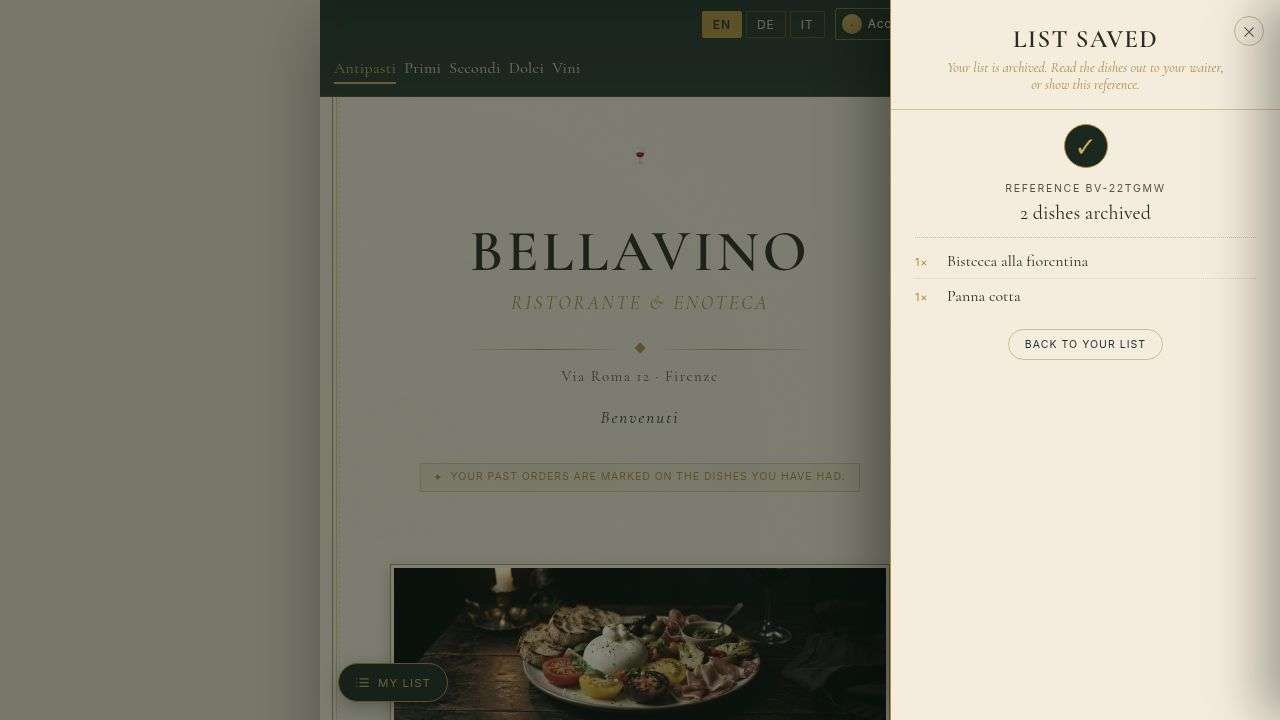
- A "Save order" button on the order list, which stores each item with the date and time
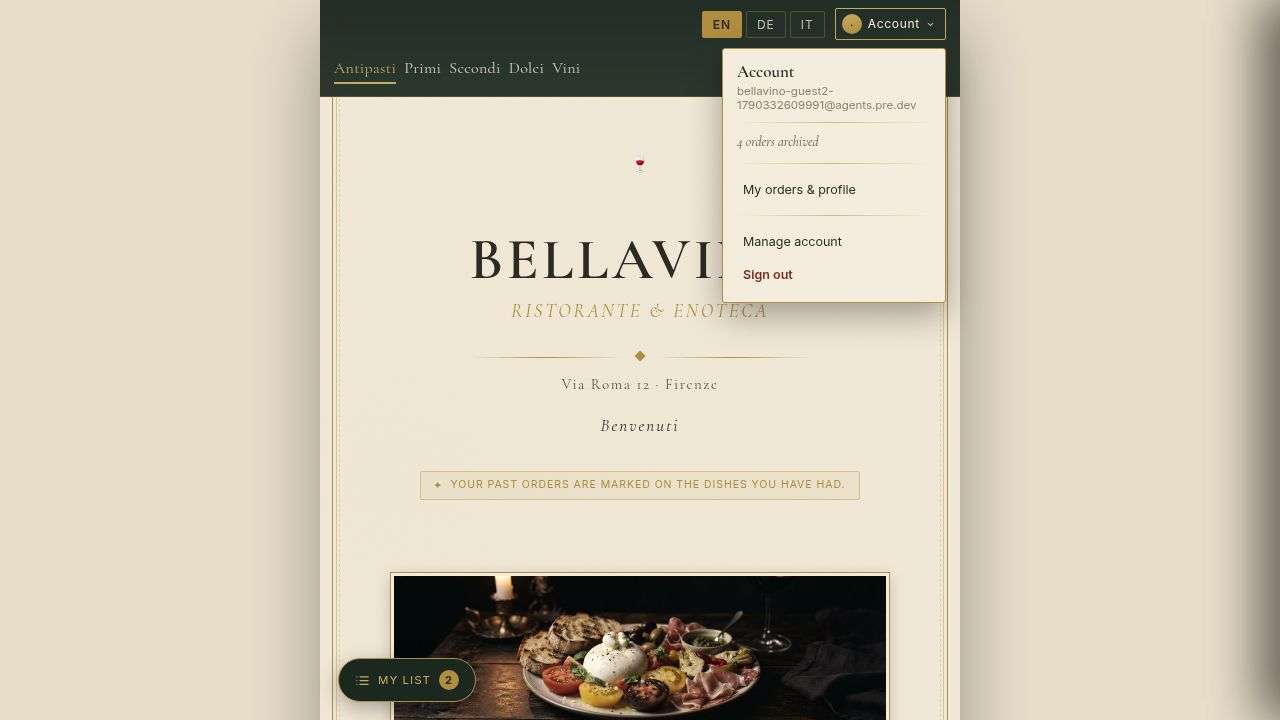
- A last-ordered note next to every item on the menu, so guests browse with their last visit in view
Here's how that plays out for the guest. They sit down, scan the QR code on the table and sign in, and their last order is waiting on their profile. As they scroll the menu, every dish and bottle they've had before shows when they last ordered it. They can pick up where they left off, or knowingly try something new.
Authentication in one prompt
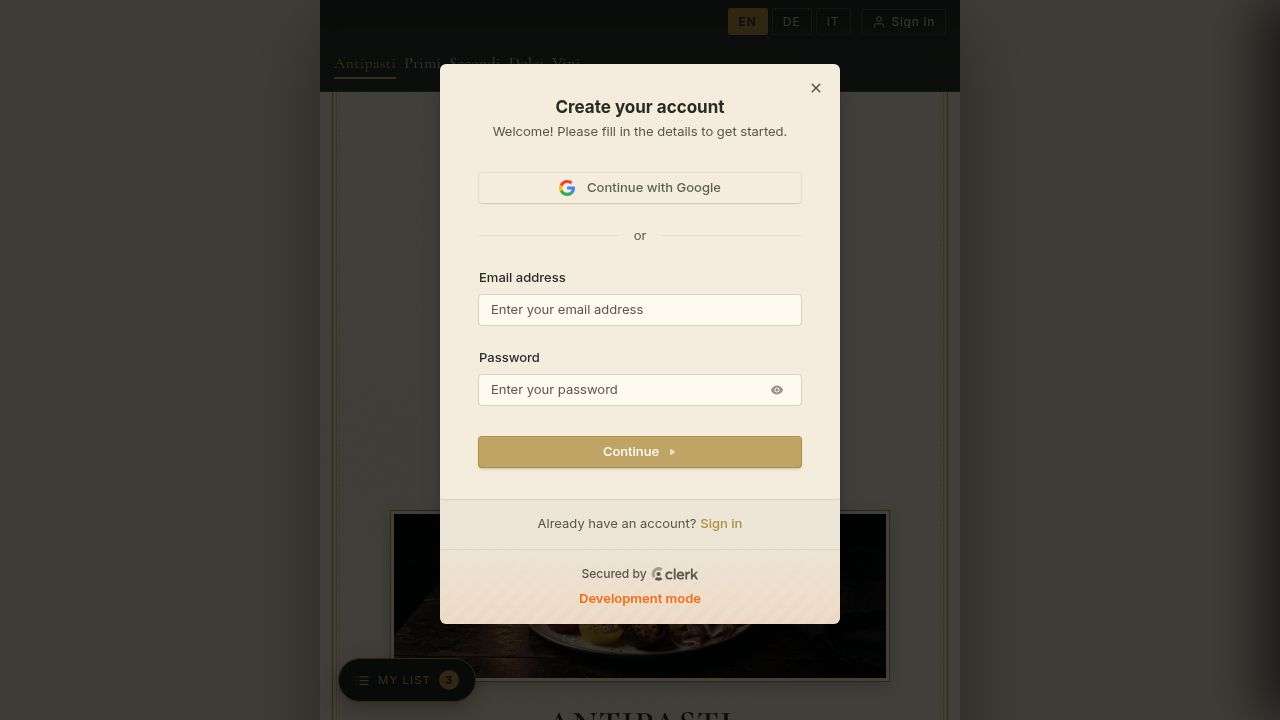
"add auth to the website, add a sign in button in the header and allow the user to toggle between sign up and sign in."
The agent provisions a Clerk instance for the project. We never opened Clerk's website, created an account there, or copied a key.
If you haven't come across it, Clerk is the go-to auth provider for modern web apps. It's known for its developer experience, and it ships the common auth building blocks out of the box, including a sign-in UI you can customize. It also works well with agents: Clerk can be configured end to end without clicking through a dashboard. That means every part of the auth experience can be shaped by chatting with the coding agent in predev.
Nobody c an account at their neighborhood Italian
Sign-up worked on the first try. Then we had to ask an honest question: who creates an account at their local trattoria? Picking a password, saving it and verifying an email address, all before the antipasti, is too much friction. A retention feature that nobody signs up for doesn't retain anyone.
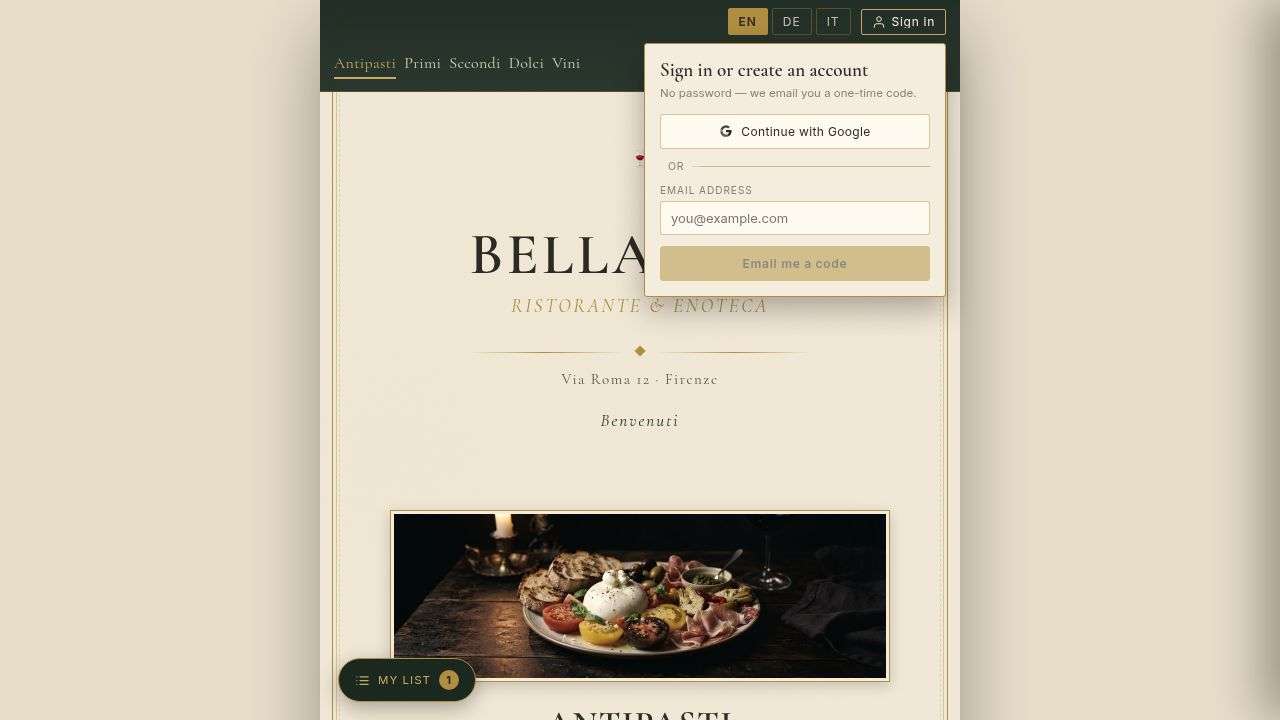
So we switched to passwordless login with email and a one-time passcode. The guest enters their email, gets a six-digit code, types it into the menu, and they're in.
There's still some friction, but it's about as little as you can get:
- There's no password to invent or forget.
- The email address is verified automatically, because you can't sign in without reading the code.
- The next visit works the same way: email, then code. For the guest, signing up and signing in are the same thing.
"change the sign up and sign in flow to use email and otp code only, remove the sign in with email and password."
The agent changed the Clerk instance's configuration and updated the sign-in UI to match.
It didn't work on the first try, and honestly that's the more interesting part. The agent's first attempts at editing the configuration failed. Instead of stopping and handing the problem back to us, it escalated to a more capable reasoning model. That model worked out that the change could be made cleanly through the Clerk CLI. It applied the change, checked that the new flow actually worked, and carried on, without anyone touching the keyboard. That's the balance we build for: token-efficient where a cheaper model does the job, and smarter where the task needs more.
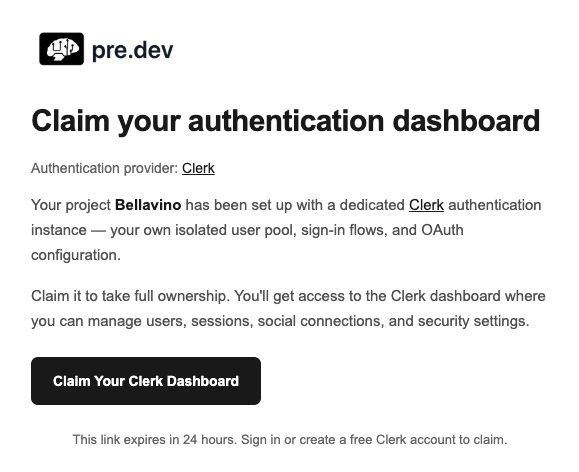
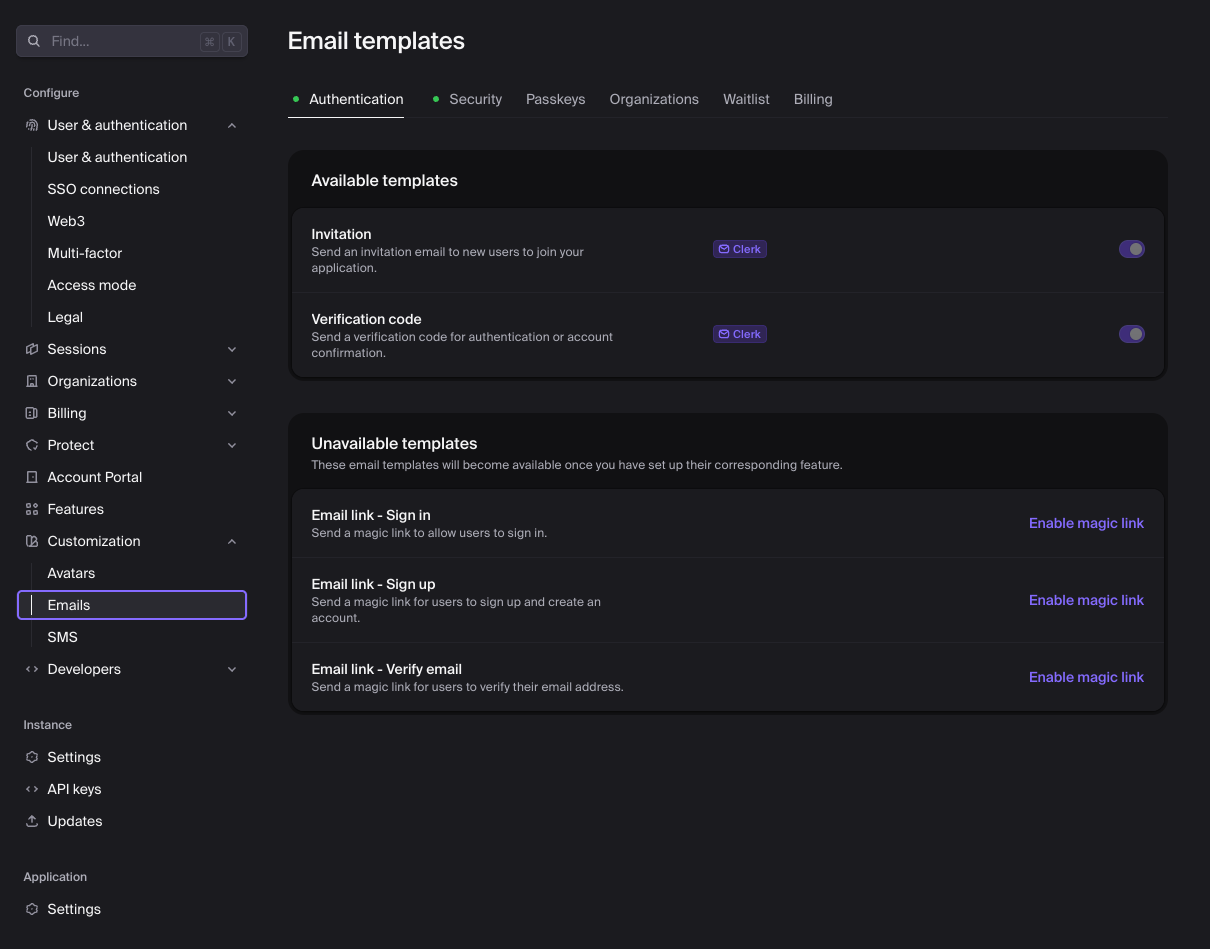
One more thing worth doing: check your inbox after provisioning. You'll find an email from predev inviting you to claim your Clerk instance. Claiming it ties the instance to a Clerk account of your own, so you can sign in to Clerk's dashboard and manage everything from there. It isn't required, because the auth flow already works through pre.dev's setup. But it's worth a look to see all the options you have. For example, you can restyle and reword the verification emails guests receive, so even the six-digit code arrives in the restaurant's own tone.
Saving the order
With auth in place, the rest is product logic: the profile page, the save button, and the last-ordered notes on the menu.
The agent built all three. Then it tested the whole flow end to end: signing in, adding dishes, saving the order, and checking that it showed up on the profile and on the menu. We didn't ship until that passed.
The result
It feels really intuitive and smooth. You can try it yourself here.
The point
The menu started as a way to read the dishes. Then it learned to recommend a wine. Now it remembers the guest. In a few prompts, the digital menu has become a customer retention tool. It gives guests a small, concrete reason to come back, and that's the difference between a one-time visitor and a regular.
It's also the kind of feature a small restaurant never builds, because of what it usually takes: an account with an auth provider, keys, a user table, email verification, and password resets. Here it took one prompt and one refinement.
Auth is usually the first wall a small app hits. Once it's gone, the idea is the only thing left to think about.
Next we'll look at payments. We'll use pre.dev's native payment tools, built on Stripe, to move the menu one step closer to ordering and paying from the table.
Let Us Know Your Thoughts and Feature Requests
We want to hear from you! We are incredibly excited to see what you build and learn how you are using In-Line Media Generation to accelerate your projects. Join the conversation and share your feedback over on our X and LinkedIn pages.
About predev
pre.dev is built to provide professional engineering teams with hyper-intelligent and cost-efficient coding agents. These agents deliver scalable, self-verifying, and model-agnostic software development.
Professional software development requires agentic coding that deeply understands system architecture, mitigates technical debt, and respects your compute budget.