NEW: Multi-Session Builds
We just shipped Multi-Session Builds. You can now delegate engineering tasks to independent, isolated coding agent sessions simultaneously on a single project.
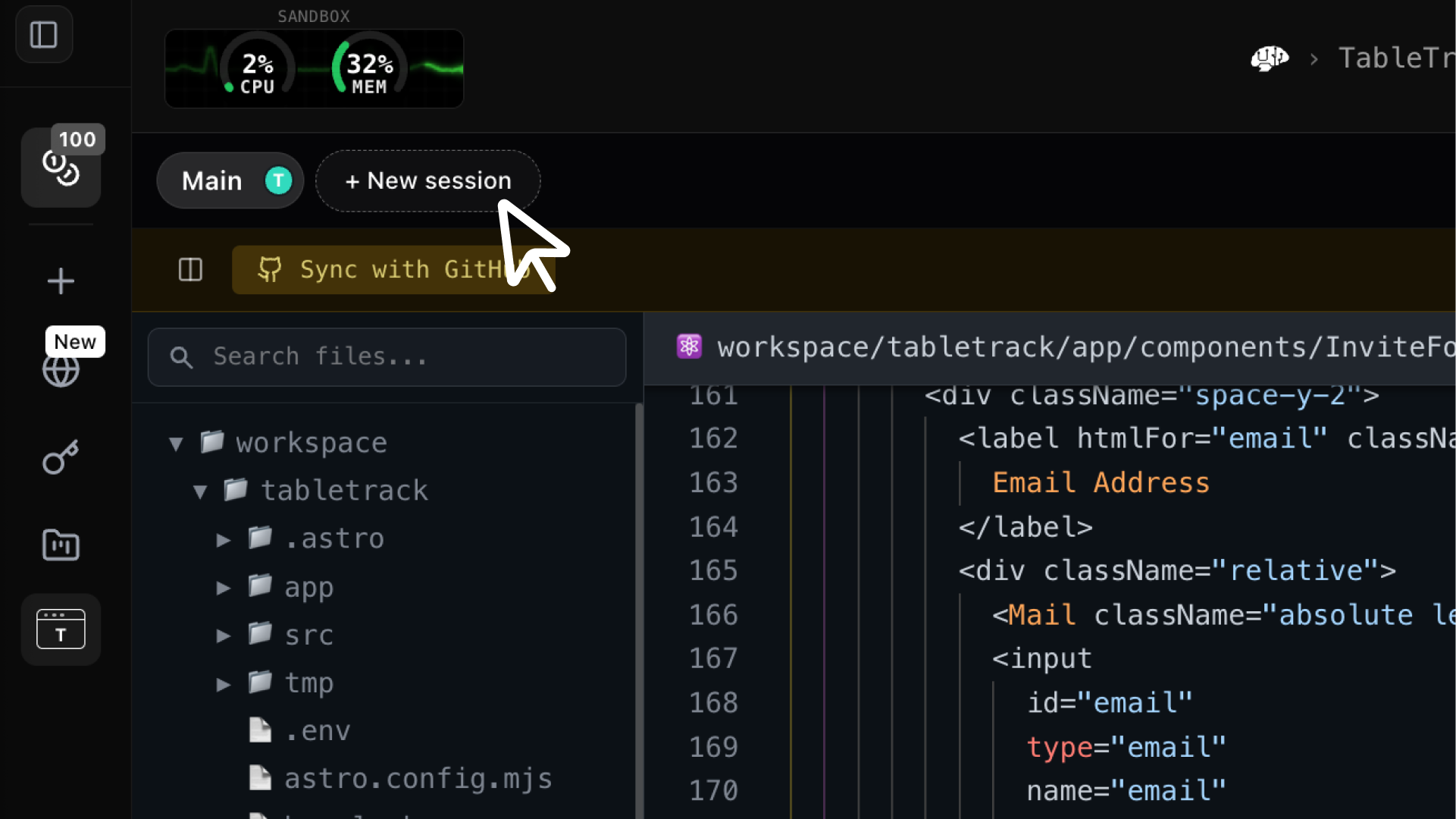
We are sharing an exciting update to our coding agents this week! We just shipped Multi-Session Builds—a major milestone that many of our customers have been requesting.
What This Means for Our Customers
With this update, predev customers can now delegate engineering tasks to independent, isolated coding agent sessions simultaneously on a single project. Instead of a single agent trying to linearize a complex workflow, every session can take on a task in parallel, which drastically reduces the turnaround time for new features and deployments.
Essentially, the predev coding agent now works like a professional engineering team—taking on a project in small, parallel pieces and bringing the results back together once completed.
How We Enable Multi-Session Builds
Our cloud agent architecture is what makes this parallelization possible. Because our coding agents run in the cloud within safe, secure environments with dedicated resources, spinning up additional sandboxes is seamless.
Here is how the workflow operates under the hood:
- Dedicated Resources: Multi-Session Builds automatically create a unique Git branch and a dedicated cloud sandbox for each individual session.
- Autonomous Execution: Once a task is handed over, the session agent goes to work independently to complete it.
- Self-Verifying Deliverables: Every session generates a live preview URL, enabling a critical self-verifying step: blind testing the coding results against your exact acceptance criteria.
- Frictionless Integration: Once those criteria are fulfilled, the agent creates a new pull request from its branch to the upstream version.
This workflow ensures that every single change remains entirely attributable, verifiable, and easy to roll back if needed. Of course, your existing continuous integration (CI) workflows can be automatically triggered as well.
How to Get Started with Multi-Session Builds
To get started, head over to your existing predev project or create a new one.
- Plan: Complete your initial planning phase.
- Launch: Navigate to the agent view.
- Scale: Start creating new view tabs by adding concurrent sessions.
Note: Ensure your project is connected to a GitHub repository via our native GitHub integration to enable automated pull requests.
Let Us Know Your Thoughts and Feature Requests
We want to hear from you! We are incredibly excited to see what you build and learn how you are using Multi-Session Builds to accelerate your projects. Join the conversation and share your feedback over on our X and LinkedIn pages.
About predev
pre.dev is built to provide professional engineering teams with hyper-intelligent and cost-efficient coding agents. These agents deliver scalable, self-verifying, and model-agnostic software development.
Professional software development requires agentic coding that deeply understands system architecture, mitigates technical debt, and respects your compute budget.